
Block storage
Exposes storage volumes to servers for workloads such as databases or virtual machines, according to platform requirements.
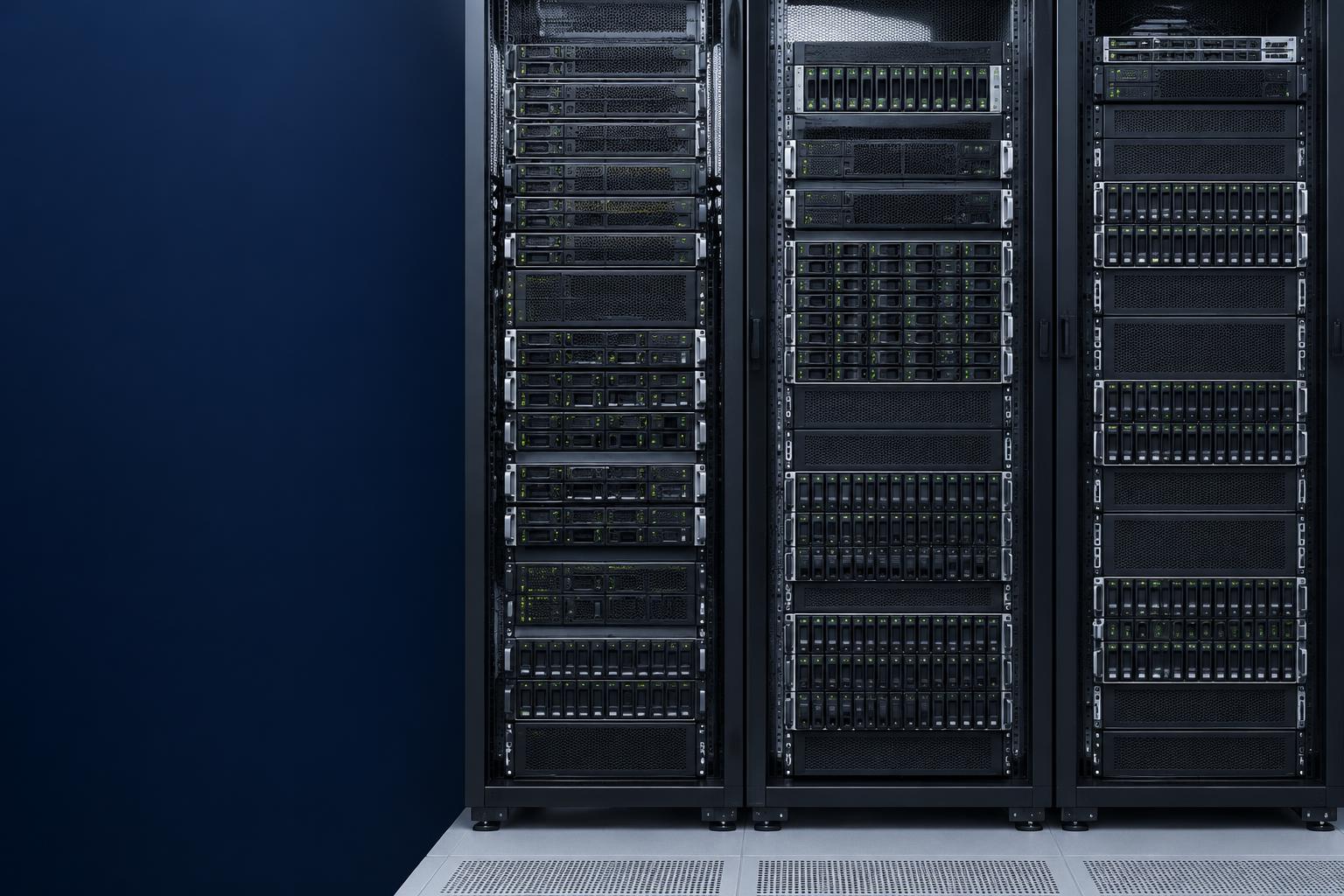
Build the Foundation for Your Enterprise Workloads
Enterprise applications and business-critical workloads depend on computing and storage infrastructure that is appropriately designed, scalable and resilient.
QSAT helps organizations assess, plan and implement compute and storage infrastructure aligned with workload requirements, data growth, performance expectations and operational objectives.
Every application needs resources to process information, access data and support the people who use it. Compute and storage infrastructure brings those resources together beneath your business systems.
QSAT helps organizations evaluate the technical and operational trade-offs, aligning infrastructure investments with business needs. Build a reliable foundation for enterprise applications, business data and future growth.
Business applications, databases and operational systems need appropriately sized processing and memory resources. Enterprise rack servers and compute platforms should be selected around the workload—not the other way around.
Server selection considers performance, compatibility, availability and support requirements. Physical workloads remain appropriate in some environments; virtualization is not mandatory.
Storage infrastructure keeps application data, databases, files and business information accessible to the workloads that depend on them. Enterprise storage arrays should balance capacity with performance, latency, availability and operational needs.
Architecture decisions also consider existing systems, budget, storage expansion and the lifecycle of the data—from active use to retention and eventual disposal.
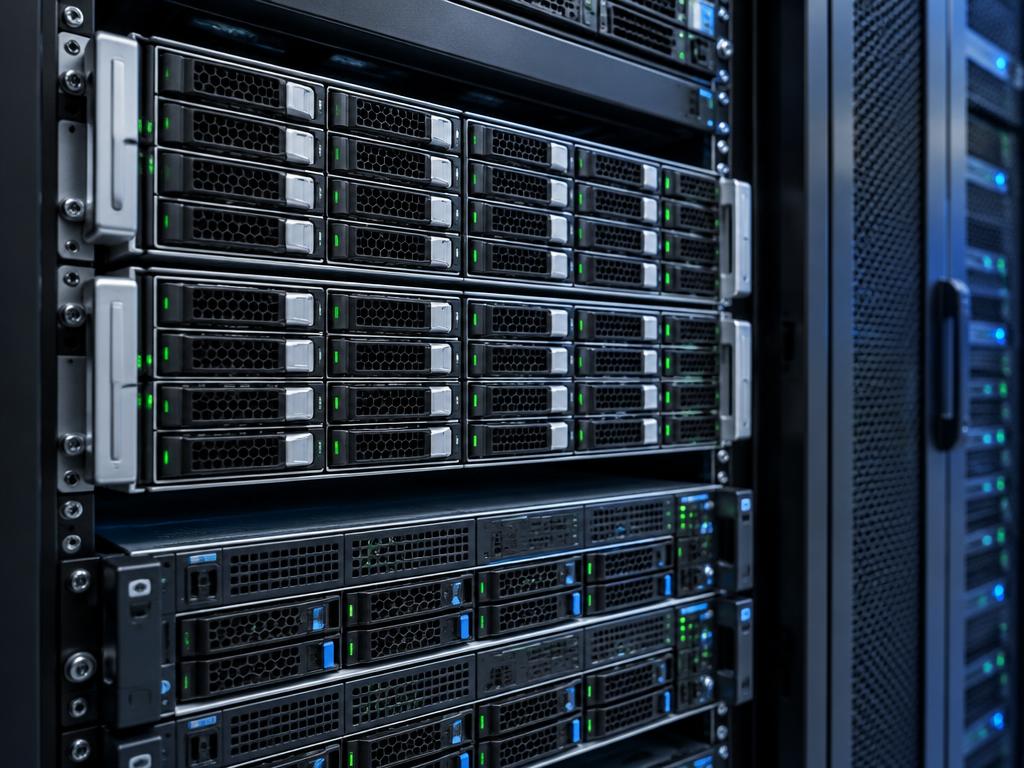
Direct-attached storage (DAS) serves a connected server. Network-attached storage (NAS) typically shares files. Storage area networks (SAN) commonly deliver block storage to servers. These are architectural options, not a requirement to deploy every type together.
Compute and storage should be designed together. Processing resources alone cannot resolve a storage bottleneck, and additional storage capacity does not automatically improve application performance.
This illustrative architecture is a starting point, not a universal design. QSAT evaluates the full environment before defining suitable interfaces, resource allocation and infrastructure dependencies.
Structured Cabling & FiberAppropriately designed compute and storage can support virtual machines and consolidated workloads while retaining physical deployment options where required. Resource allocation needs to account for the demands of each application and the shared environment.
Memory planning, shared-storage requirements, utilization and expansion are considered alongside compatibility with existing virtualization platforms. Platform selection and deployment depend on customer requirements and existing licensing.
No particular platform certification or vendor relationship is assumed.
Hyperconverged infrastructure (HCI) integrates compute and storage resources into a managed architecture. A scale-out approach can support workload consolidation and capacity expansion where the environment is suitable.
Integrated resources and centralized management can simplify certain operational tasks. Assess workload suitability, platform compatibility, licensing and how compute and storage capacity expand together.
Separate compute and storage platforms may better suit established systems, specialized workloads or environments needing independent resource growth. The appropriate choice follows the requirement.
HCI is not ideal for every organization and does not automatically reduce costs or improve performance. QSAT assesses architectural fit before recommending an approach.
Recovery requirements should shape infrastructure decisions from the beginning. Production resources, backup capacity and the environment used to restore services need to be considered together.
RPO defines the acceptable data-loss window; RTO defines the target time to restore a service. These objectives inform design and validation rather than representing a guaranteed outcome.
Backup creates recoverable copies. Replication maintains another copy of selected data. High availability supports service continuity during certain failures. They solve different problems and are not substitutes for one another.
Redundant components, resilient compute architecture and storage redundancy can reduce the impact of some hardware failures. Their effectiveness depends on the complete system, application dependencies and how recovery is planned.
Failover planning should account for power, connectivity and enough capacity to run recovery workloads. High availability and disaster recovery are designed against business requirements; redundancy does not eliminate every failure scenario.
Power & Precision CoolingAging or poorly sized hardware can constrain application performance, complicate operations and make expansion difficult. An assessment helps distinguish capacity limits from configuration issues and lifecycle risks.
Modernization may involve a targeted hardware upgrade, resource reconfiguration, workload consolidation or a different architecture. A complete replacement is not always necessary.
Explore Data Centre ModernizationBefore adding hardware, establish how the existing infrastructure is used. Workload measurements help identify whether demand is constrained by processing, memory, storage I/O, latency or another dependency.
Infrastructure sizing should use actual workload data wherever possible, rather than arbitrary benchmarks or assumed utilization improvements.
Infrastructure needs to be manageable as well as appropriately sized. Administrative access, secure configuration and storage permissions should be planned alongside monitoring and the processes used to maintain the environment.
Security depends on identity, networking, applications, operating procedures and ongoing management. Compute and storage infrastructure alone cannot guarantee compliance or eliminate cyber risk.
A considered delivery process connects business requirements with implementation and operational readiness.
Understand the existing environment, workloads, constraints and business requirements.
Develop an architecture aligned with performance, capacity, availability and budget.
Confirm dependencies, compatibility, implementation scope and migration considerations.
Implement the agreed infrastructure using the approved design and change procedures.
Verify configuration, connectivity, capacity and agreed operational requirements.
Provide appropriate configuration records, infrastructure documentation and handover materials.
Migration, managed services and ongoing support are included only where confirmed in the agreed engagement scope.
Strategic Advisory for infrastructure planningSolutions can be designed around the requirements of different operating environments, with suitability assessed for each engagement.
Compute and storage infrastructure for business applications, databases and internal systems.
Server, storage and workload infrastructure for data-centre environments.
Planning aligned with organizational security, operational and capacity requirements.
Compute and storage infrastructure for applicable operational and business workloads.
Design around local workload, availability, connectivity and management requirements.
Scalable approaches that accommodate business growth and evolving technology requirements.
Start with business applications and operational requirements, rather than hardware without a clear need.
Evaluate processing resources, storage capacity and architecture together.
Identify practical options for refreshing, consolidating or extending existing infrastructure.
Account for availability, backup, recovery and infrastructure dependencies.
Plan infrastructure with capacity and future growth in mind.
Consider compute and storage alongside facilities, physical connectivity and wider network architecture.
Assess and modernize data-centre infrastructure to support changing operational and technology requirements.
Data Centre ModernizationAddress power distribution, backup power and the thermal requirements of critical IT infrastructure.
Power & Precision CoolingBuild the physical connectivity foundation for enterprise networks and data-centre environments.
Structured Cabling & FiberIntegrate suitable network connections into a resilient and manageable WAN architecture.
Hybrid SD-WANAlign infrastructure decisions with business priorities, operational requirements and technology plans.
Strategic AdvisoryExtend technical capacity with appropriate infrastructure and technology expertise.
Resource AugmentationWhether you are refreshing aging servers, expanding storage capacity, consolidating workloads or planning a new infrastructure environment, QSAT can help you evaluate the options and develop an approach aligned with your technical and business requirements.